
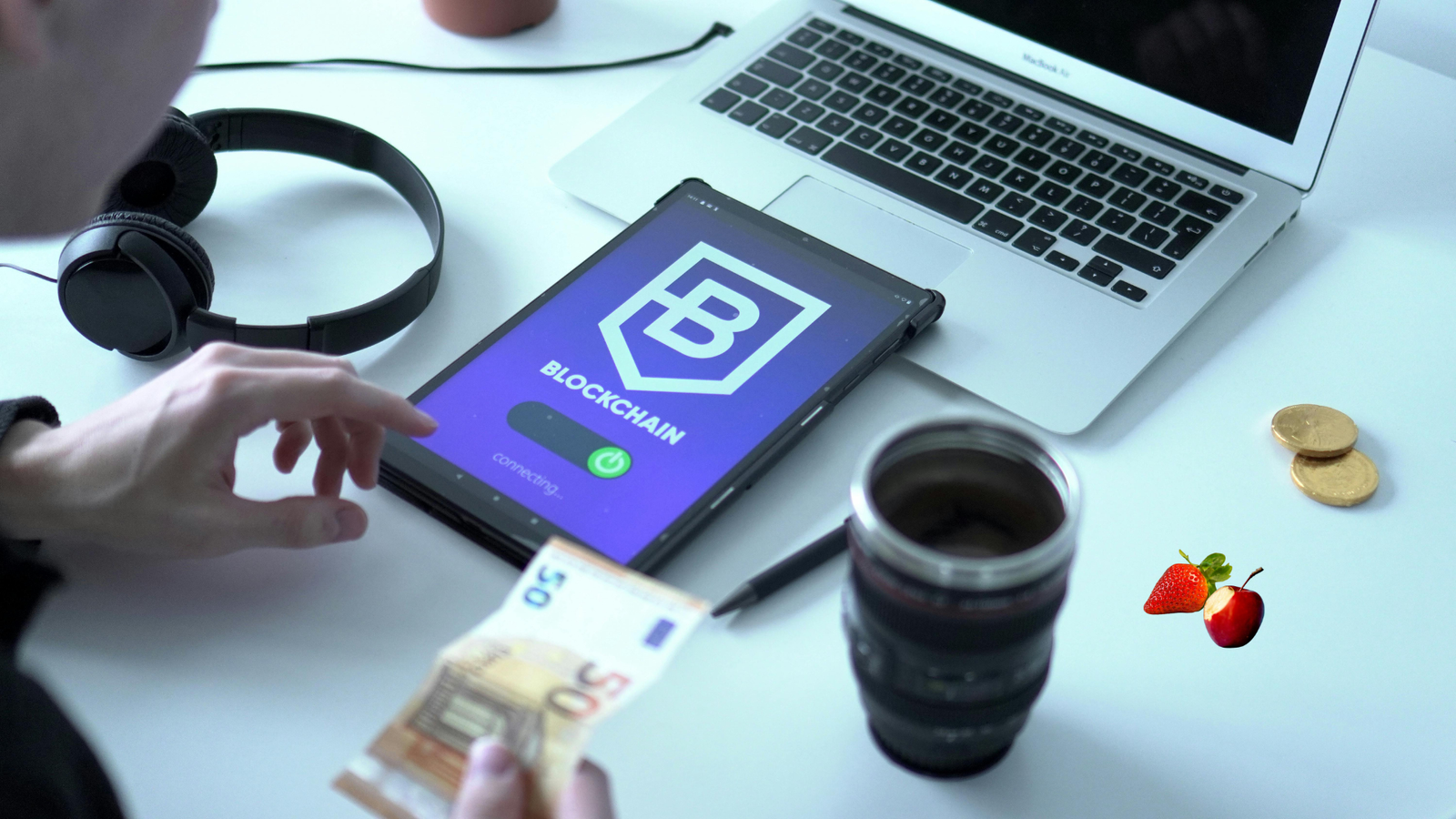
Which one is best Device for Work and Study for you, a laptop or a tablet, depends on your needs. Laptops are better for heavy-duty tasks, such as video editing and programming, because they are more powerful and have more memory and storage capacity. Tablets are better for simple tasks, such as browsing the web, watching videos, and taking notes. They offer more flexibility, longer battery life, and better portability.
Laptop: Best Device for Work and Study
Best for:
Heavy and complex tasks: video editing, programming, and professional software use.
Multitasking: running multiple applications at once.
More storage capacity and upgrade options.
Advantages of a Laptops
Laptops are easier to use than tablets when you want to connect to an external display or a large screen.
Laptops are generally better suited for those who need to do more intensive work, such as video or photo editing, programming, or gaming. Larger display sizes and more powerful processors make laptops better than tablets for these tasks.
Laptops generally have more storage space than tablets, so they are a better choice if you need to store a large number of files.
Laptops are also better for writing. Laptop keyboards are larger than tablet keyboards, making it easier to type long documents or emails.

Disadvantages of Laptops
- Tablets generally have a longer battery life and can be taken anywhere, while laptops are more difficult to carry around all the time. This may not seem like a problem until you try to carry your laptop around all day, and it becomes a pain.
- Laptops are also more expensive than tablets. This may not be a problem for some people, but if you are on a budget, a tablet may be a better choice for you.
- Since laptops require more power to run, they cannot always be used with batteries like tablets. This means that you have to plug in your laptop every time you use it, which can be inconvenient.
Tablets and laptops are great devices with their own pros and cons. They are not the same, so it is important to know what each is good at before you buy! If you need a device that is suitable for basic work and light entertainment, a tablet like Huawei is a great choice. Matepad 11, Matepad t10s, iPad 2021 are on the market. If you need a more powerful device for more intensive activities like gaming or video editing, a laptop is the best choice, with the Dell XPS, Huawei Matebook X Pro, or HP Envy 32 all being good choices.
Keep these things in mind when deciding between a tablet and a laptop – it’s not as simple as saying one is better than the other! Both devices have their own unique advantages and disadvantages, so make sure you choose the one that best suits your specific needs.
Cons:
Heavier and less portable than tablets.
Battery life is usually shorter than tablets.
More expensive.
Tablet: Best Device for Work and Study
Tablets and laptops are great for work. However, each has its own advantages that make them better suited for different tasks. They can’t do everything the same way, but it’s important to know the differences before you buy one or the other! In this blog post, we’ll talk about which tablets and laptops are the best so you can make an informed decision about which device is right for you.
Advantages of a Tablet
- Tablets are very portable, making them great for those who like to work on the go. Since they are light and thin, you can take tablets anywhere without much hassle. You can surf the web, watch movies, play games, and read books on your tablet no matter where you are.
- Tablets also have a long battery life, so you don’t have to worry about it running out in the middle of work. This is very useful if you are traveling and don’t want to carry a lot of cables and adapters.
- Tablets are also relatively inexpensive. If you are looking for a device that allows you to surf the web, watch movies and TV shows, play games, read books, edit documents, or work on basic projects like excel spreadsheets or presentations from Microsoft – then tablets are available at an affordable price. varia.

Best Device for Work and Study:
Light tasks: web browsing, streaming, reading books, and taking notes.
More portable and lighter.
Longer battery life.
More flexibility and ease of use, especially when connected to a stylus or keyboard.
Disadvantages of Tablets
- It can be more difficult to use a tablet for writing than it is to use a laptop. If you need to write a lot, a tablet may not be the best choice for you.
Not powerful enough for heavy tasks. Storage capacity is usually lower, and upgrade options are limited.
2. Tablets generally have smaller screens compared to laptops. This isn’t much of a problem for basic tasks, but it can be a hassle for those who need more screen space or want to enjoy media on their devices.
3. Tablets generally have less storage space than laptops. This can be a problem if you plan to use your tablet to store a lot of files or download a lot of media.
Things to consider when making a decision: Which is the Best Device for Work and Study
Usage: What will you primarily use the device for? Laptop for heavy tasks, tablet for light tasks.
Portability: Do you travel a lot? Tablets are more portable.
Budget: What is your budget? Laptops are generally more expensive.
Battery life: Do you need to go for long periods of time without charging? Tablets offer better battery life.